
Videos and albums are different jobs
Related: Album landing · Facebook Video Downloader · Quality guide.
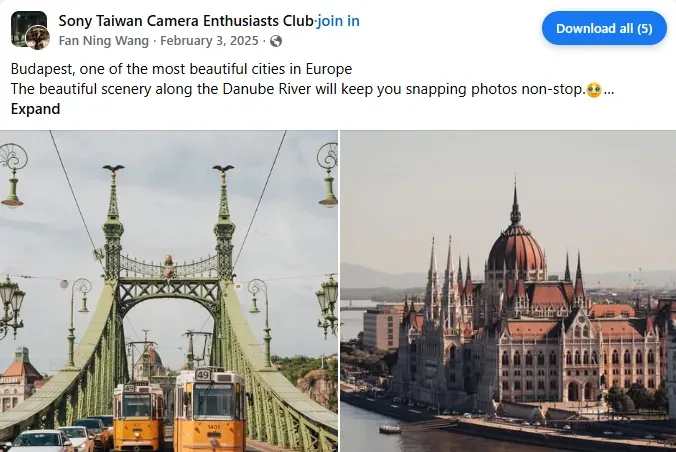
A single video post opens a quality menu (MP4 / AV1). A multi-photo post or album is different: you usually want every image without clicking each one. Lonkin adds a Download all control on supported Facebook pages in desktop Chrome.
As with video downloads, this only works for content you can already view while logged in. It does not unlock private albums.
Steps
- Install Facebook Video Downloader from the Chrome Web Store and pin the icon.
- Open the album or multi-photo post on facebook.com.
- Scroll through the set so thumbnails finish loading — incomplete grids miss files.
- Click Download all and confirm each save in Chrome’s download UI if prompted.
Tips that prevent half-downloads
- Stay on desktop Chrome; this is not a mobile APK.
- Wait for the page to settle after scrolling — lazy-loaded photos need a moment.
- Check your Downloads folder for the expected count before closing the tab.
- Only save albums you own or have permission to keep.
When you should use the quality menu instead
If the post is primarily a video or Reel, use the quality picker described in MP4 vs AV1. Download all is for image sets.
FAQ
Does Download all upload my photos?
No. Files go to your local Downloads folder through Chrome.
Can I rename files?
Use Chrome’s download shelf / folder after save, or your OS tools. The extension focuses on getting the originals off the page.
Need product context? Read the album page, then install from the Store listing.