
Sort Feed
Sort TikTok videos by views
Sort Feed reorders TikTok profiles and supported feeds by view count in desktop Chrome. Find what performed best, compare engagement, then download the clips you are allowed to view.
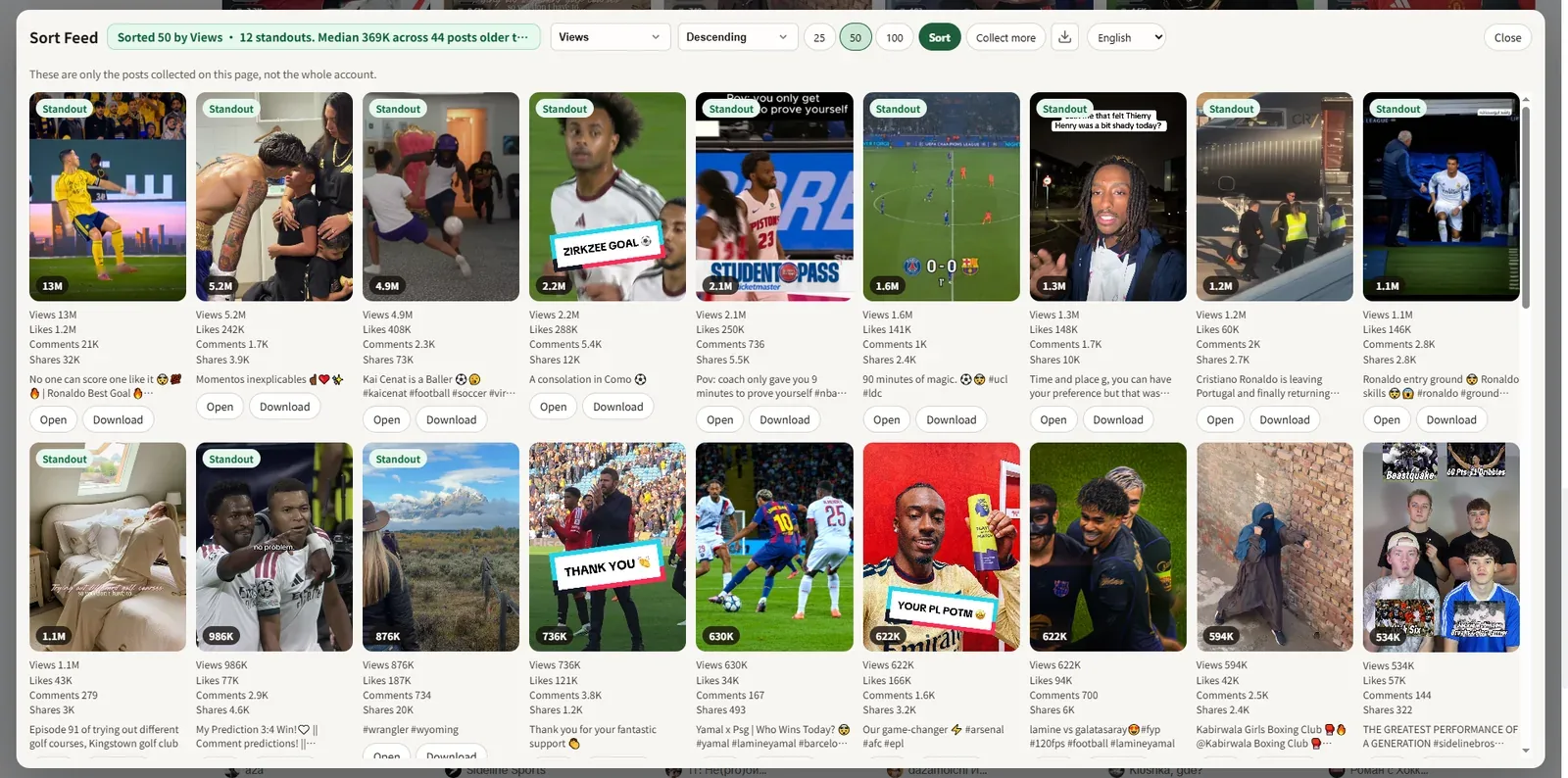
Sort TikTok without leaving the page
Built for creators and marketers who review profiles every day.
Sort by views
Reorder visible TikTok videos by view count to surface top reach quickly.
Likes, comments, and date
Switch metrics when you care about resonance or recency instead of views.
Engagement rate
See useful metrics on supported cards when TikTok exposes the data.
Download after you sort
Save supported videos with one click once you have sorted to the right clips.
Chrome extension
Works on tiktok.com in desktop Chrome — not the mobile app.
Local processing
Sorting and downloads stay in your browser.
How to sort TikTok by views
Three steps.
- 1
Install Sort Feed
Add Sort Feed from the Chrome Web Store.
- 2
Open TikTok in Chrome
Go to a profile, search, or saved page you can view.
- 3
Sort by views
Choose Views and reorder — then download if you need the files.
Private by design
Sorting and analysis run locally in your browser. Your browsing data stays on your device.
Privacy Policy →See Sort Feed in action
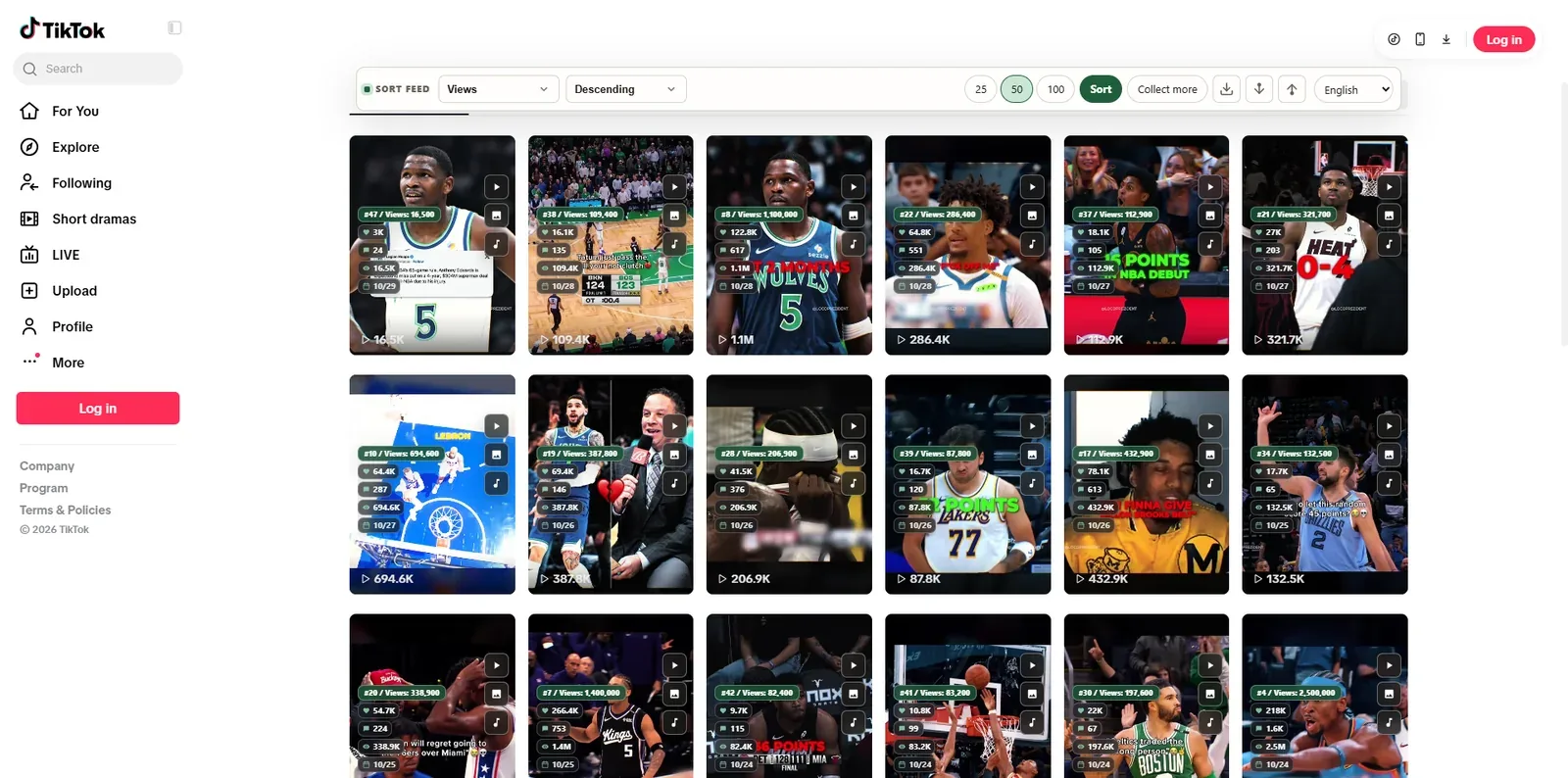
Sort TikTok and Instagram feeds by views, likes, and more — right on the page.
Also try


Sort TikTok by views in Chrome
Install Sort Feed and surface top videos in one click.
Install from the Chrome Web Store.