
Sort Feed
Sort Instagram posts by likes
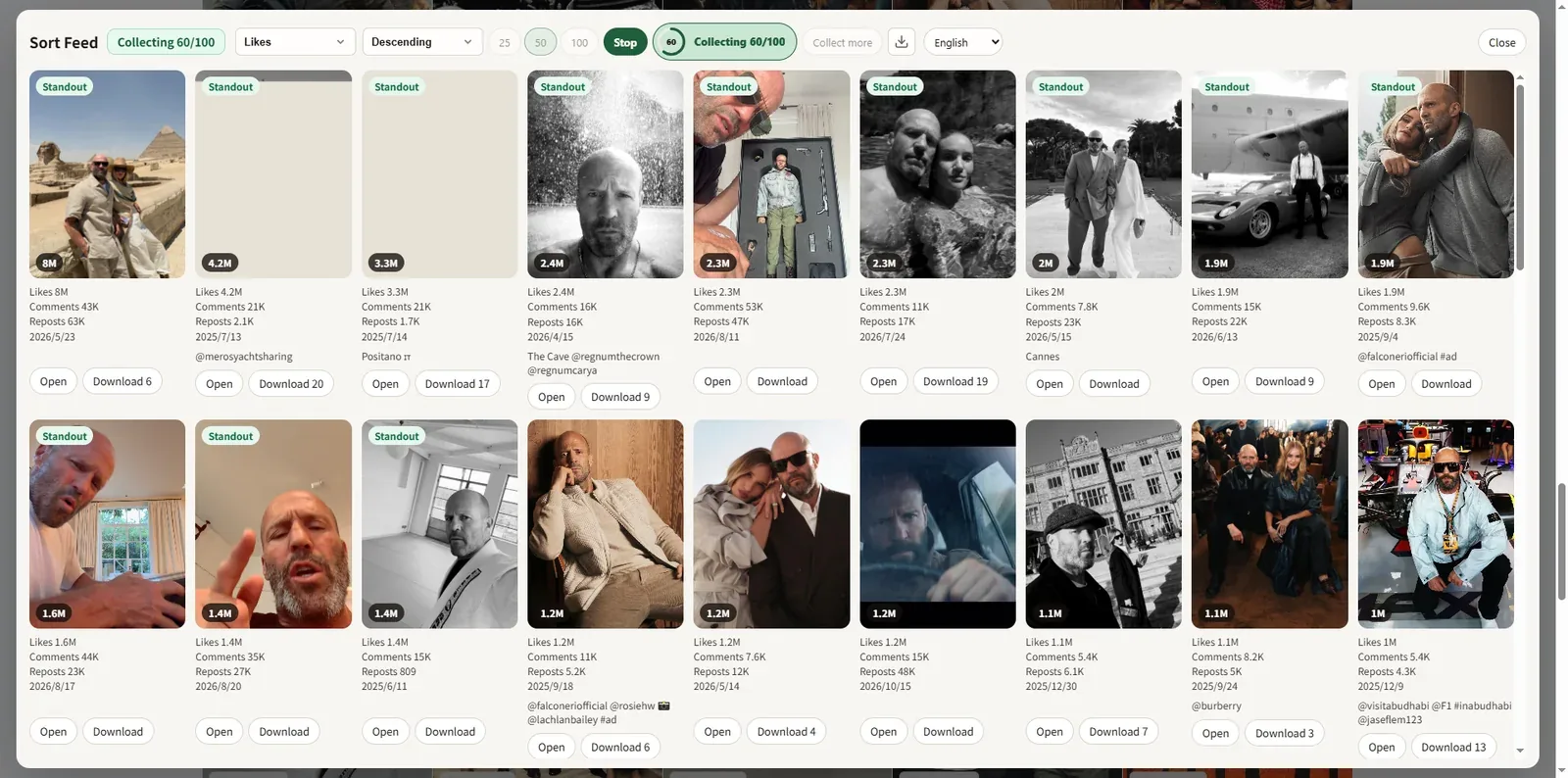
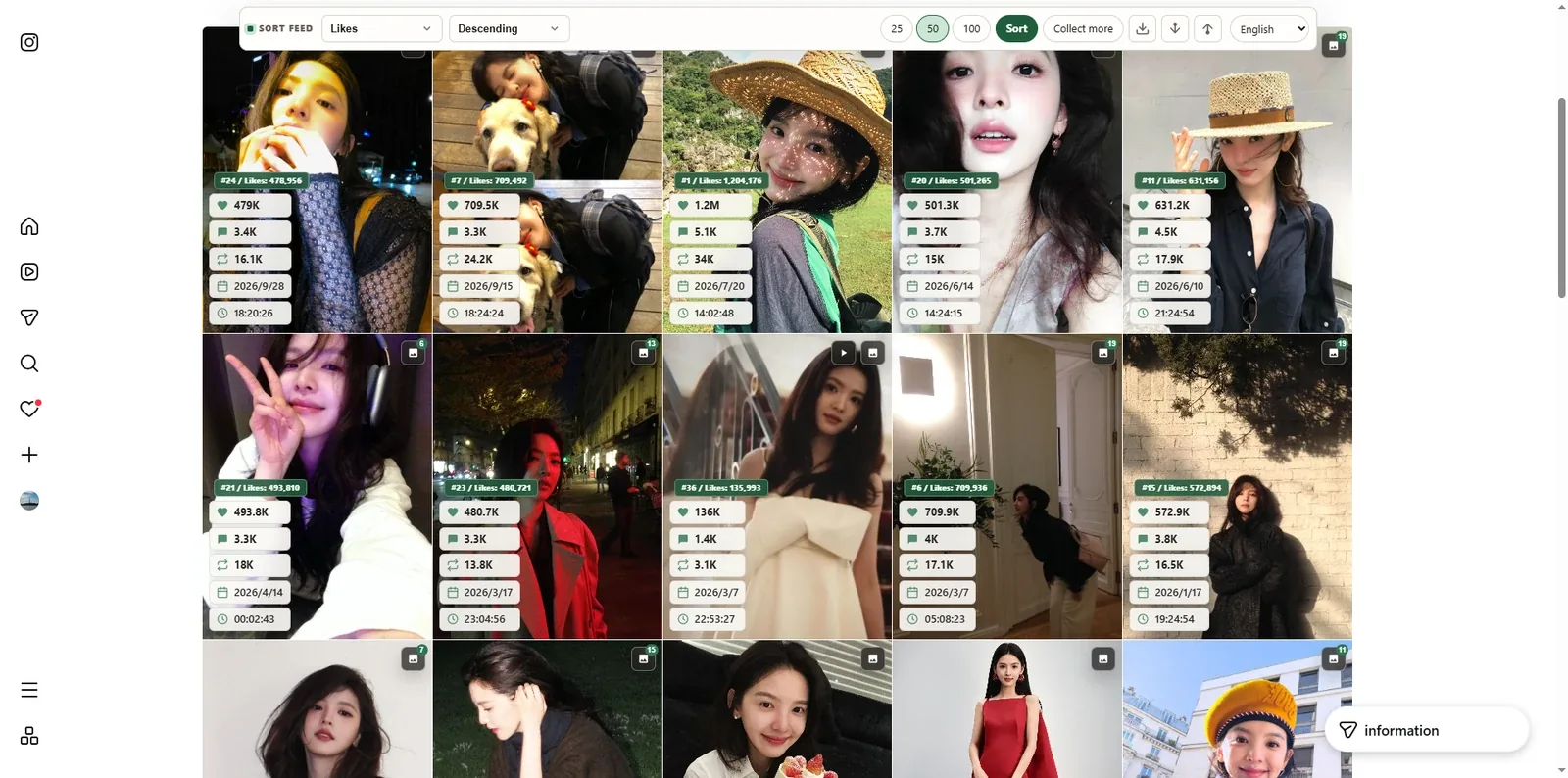
Sort Feed is an IG sorter for Instagram in Chrome. Reorder any profile you can view by likes — or by views, comments, and date — so you can spot top posts without endless scrolling.
Sort Instagram where you already browse
No new dashboard. Sorting runs on the page in desktop Chrome.
Sort by likes
Reorder Instagram grids and supported surfaces by like count in one click.
Views, comments, and date
Switch sort fields when you need reach, conversation, or recency instead of likes.
Engagement insights
Compare engagement rate on supported cards when the page exposes enough data.
Optional media download
Save supported videos and images you can already view — after you sort to the posts that matter.
IG sorter for Chrome
Install Sort Feed from the Chrome Web Store.
Local and private
Sorting and settings stay in your browser. We do not sell your feed data.
How to sort Instagram by likes
Three steps in desktop Chrome.
- 1
Install Sort Feed
Add the IG sorter from the Chrome Web Store.
- 2
Open an Instagram profile
Go to any profile, Reels tab, or supported feed you can already view.
- 3
Sort by likes
Choose Likes (or views, comments, date) and reorder the visible posts.
Private by design
Sorting and analysis run locally in your browser. Your browsing data stays on your device.
Privacy Policy →See Sort Feed in action
Sort TikTok and Instagram feeds by views, likes, and more — right on the page.
Sort Instagram by likes FAQ
Common questions about the Sort Feed IG sorter.
Still have questions?
Read the privacy policyAlso try


Sort Instagram by likes in Chrome
Install Sort Feed — the IG sorter for TikTok and Instagram.
Install from the Chrome Web Store.