
FB Downloader
Download Facebook Reels in HD — without watermark
Facebook Video Downloader is a Chrome extension that adds a download button on Facebook Reels you can already view. Save Reels as HD MP4 without watermark for offline watching — no copying links, no paste sites.
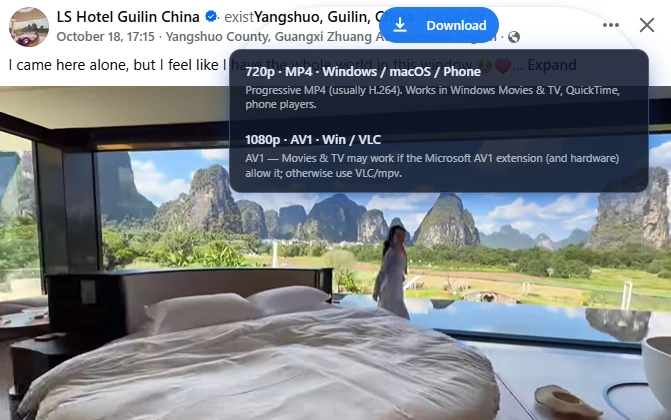
A Reels downloader that stays on the page
Built for facebook.com in desktop Chrome.
One-click on Reels
A download button appears on supported Reels in feed, profiles, and saved collections.
HD MP4 without watermark
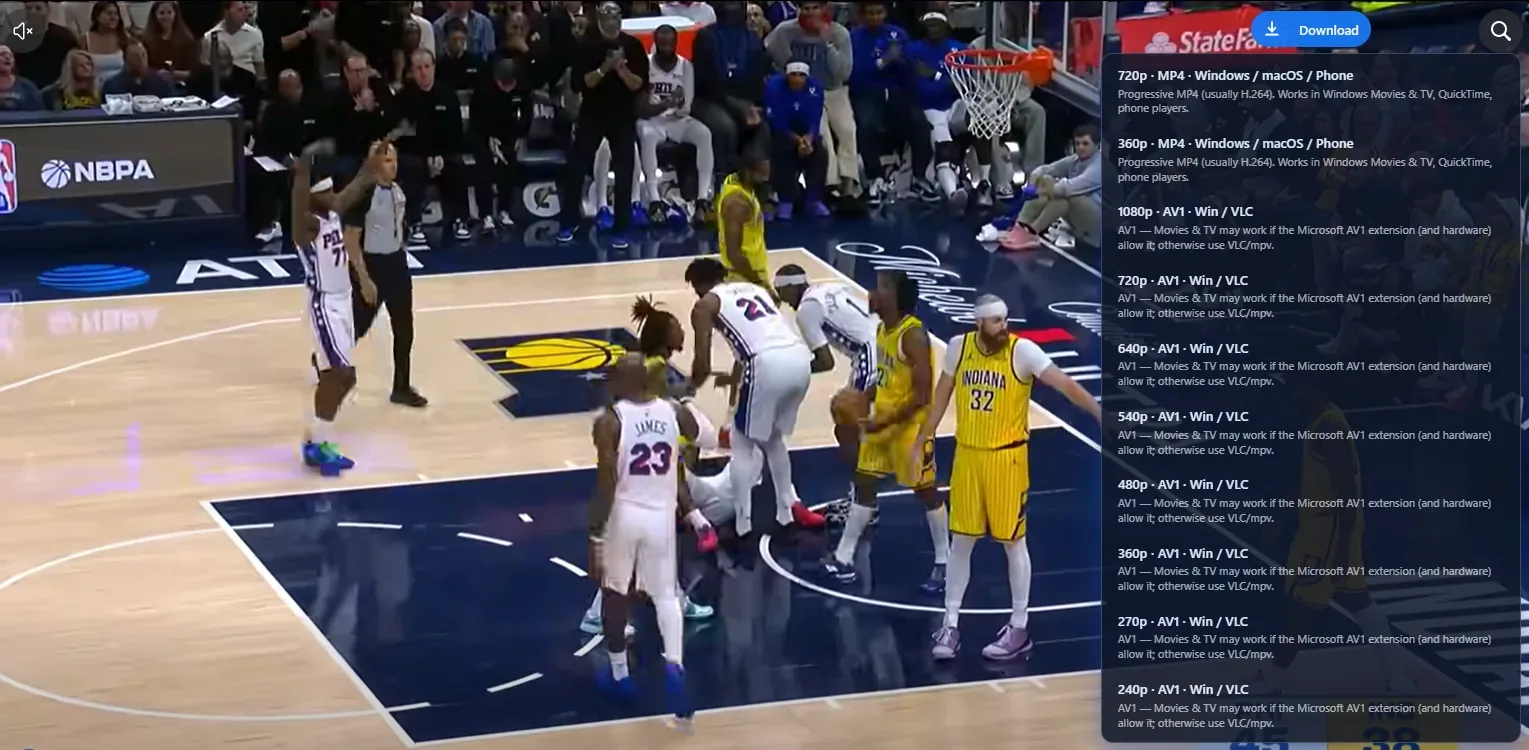
When Facebook exposes multiple streams, pick HD or SD and save MP4 without an added watermark.
No paste-link websites
Works inside Chrome on facebook.com — nothing to copy, paste, or upload to a third-party site.
Local and private
Processing stays in your browser whenever possible. No Facebook login credentials collected by us.
Chrome extension
Install from the Chrome Web Store.
Desktop Chrome
Use facebook.com in Chrome on Windows, macOS, or Linux. Mobile apps are not supported.
How to download Facebook Reels
Three steps.
- 1
Install the extension
Add Facebook Video Downloader from the Chrome Web Store.
- 2
Open a Reel
Browse any Reel you can already view on facebook.com.
- 3
Click download
Choose quality when available and save the Reel to your device.
Your media stays on your device
Downloads use your browser and Facebook CDNs. We do not require an account or upload your files to our servers.
Privacy Policy →See it in action
Download buttons, quality picker, and album tools — right on Facebook.

Facebook Reels download FAQ
Common questions about saving Reels with our Chrome extension.
Still have questions?
Read the privacy policyAlso try


Save Facebook Reels in one click
Install the Chrome extension and download Reels as HD MP4 without watermark.
Local downloads in Chrome.