
FB Downloader
Download entire Facebook photo albums in one click
Facebook Video Downloader turns any album page on facebook.com into a bulk downloader. Keep family archives, event photos, or any album you can view — saved locally at original resolution, with no third-party apps.
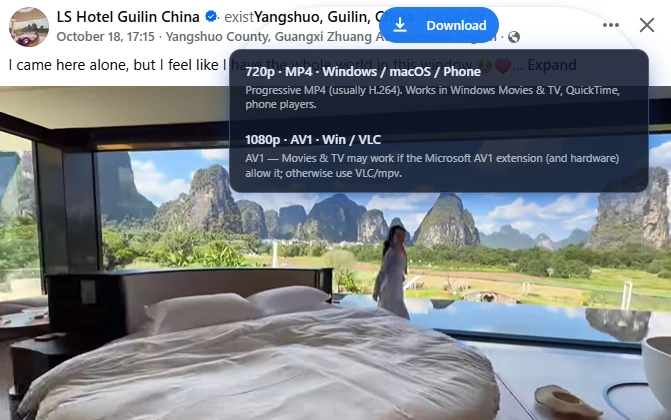
Built for whole-album saves
Built for facebook.com in desktop Chrome.
Bulk download an entire album in one action
Bulk download an entire album in one action
Skips duplicate files automatically
Skips duplicate files automatically
Custom filename templates
Custom filename templates
Organizes downloads into subfolders
Organizes downloads into subfolders
Original resolution when available
Original resolution when available
Local processing
Local processing — nothing uploaded to our servers
How it works
Three steps.
- 1
Install Facebook Video Downloader
Add the extension from the Chrome Web Store.
- 2
Open the album
Go to any photo album you can view on facebook.com and scroll the gallery so photos load completely.
- 3
Bulk download
Click the download button — photos are queued in the side panel with skip-duplicates, custom filenames, and subfolders.
Your media stays on your device
Downloads use your browser and Facebook CDNs. We do not require an account or upload your files to our servers.
Privacy Policy →See it in action
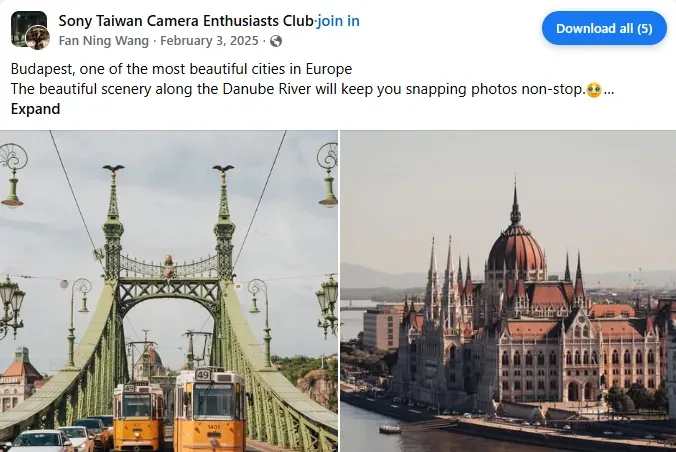
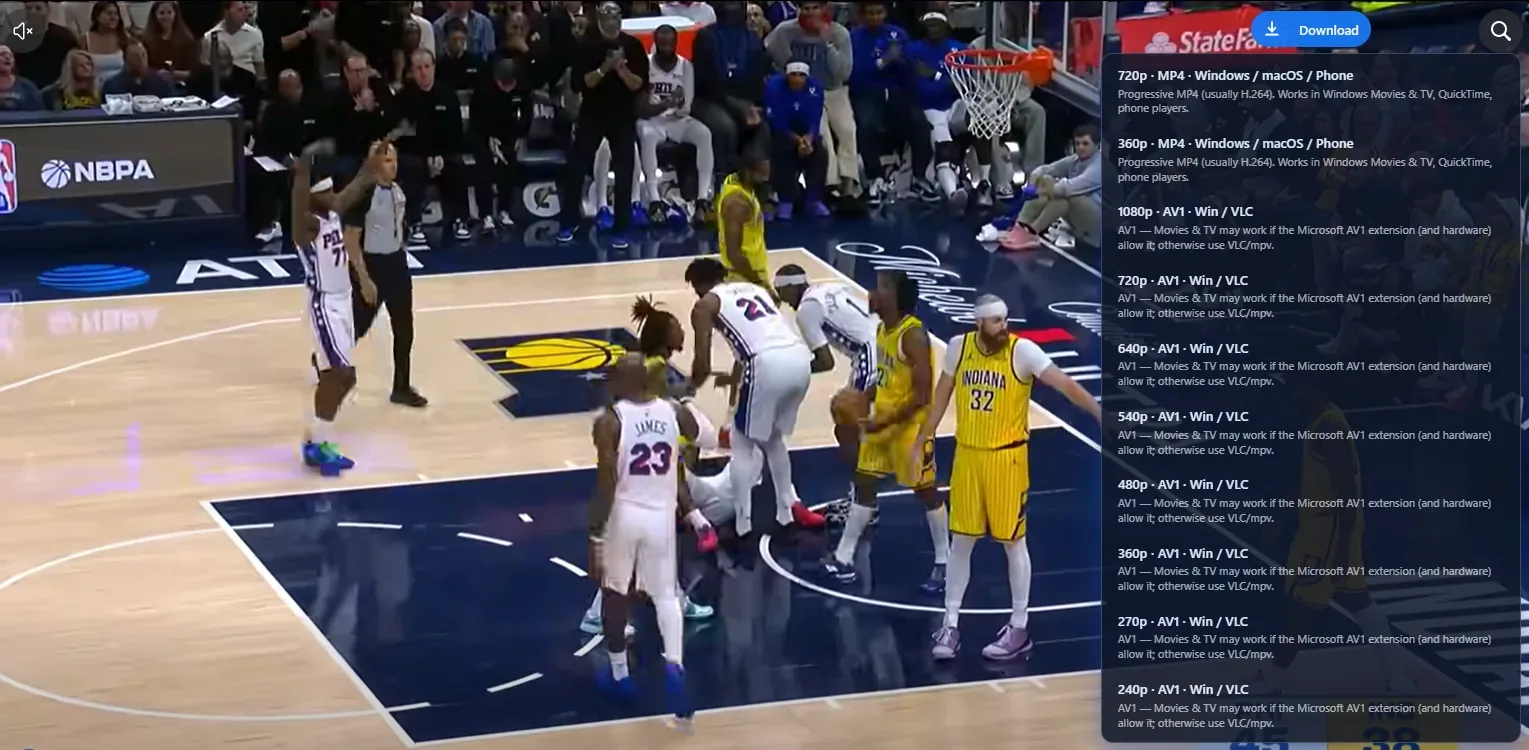
Download buttons, quality picker, and album tools — right on Facebook.
Album download FAQ
Common questions about album downloads.
Still have questions?
Read the privacy policyAlso try


Save your photo albums locally
Back up albums, event photos, and shared memories — in one click.
Local downloads in Chrome.