
What "safe" should mean
Related: Facebook Video Downloader · Privacy policy · Getting started.
Most people asking this are really asking three things: Will this steal my Facebook login? Will my files get uploaded somewhere? And will I get in legal trouble for saving a video?
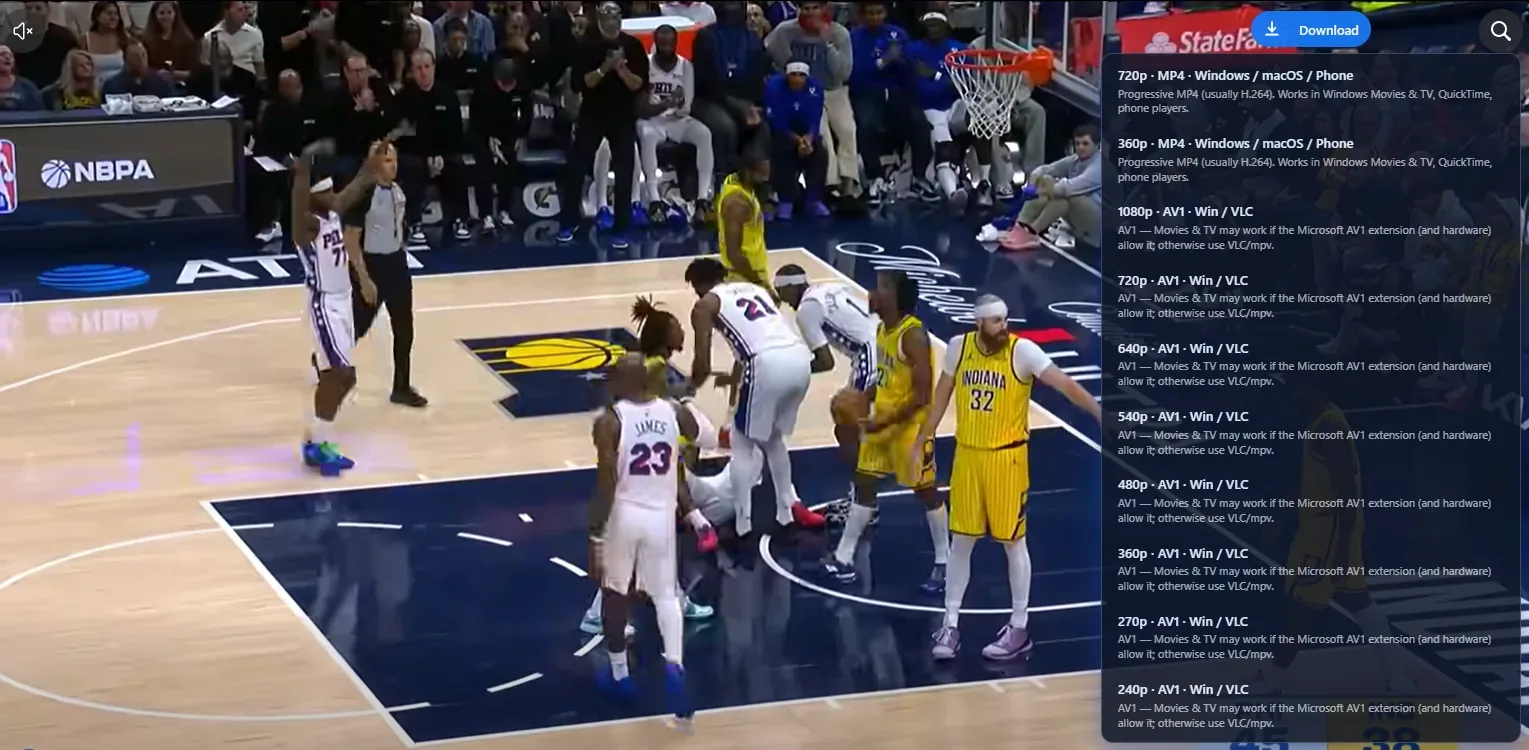
A safer downloader answers those clearly. Lonkin's Facebook Video Downloader is a desktop Chrome extension that adds download controls on facebook.com pages you can already view. Media is saved through your browser's normal download flow to your computer.
Local downloads vs paste sites
Many "online Facebook downloaders" ask you to paste a link into a random website. That model can:
- Expose the URL of private or friends-only content to a third party
- Push ads, malware prompts, or fake "codec update" downloads
- Re-encode video on someone else's servers
An extension that works on the page you already opened avoids that paste step. You stay in Chrome, logged into Facebook as usual, and the file lands in your Downloads folder like any other browser download.
Permissions and credentials
Before you install anything from the Chrome Web Store, open the listing and check requested permissions. For this product, permissions are meant to detect downloadable media on Facebook pages you visit — not to read unrelated tabs or harvest your browsing history.
We do not ask for your Facebook password on sortfeed.app. Sign-in happens on Facebook itself. If any site claiming to be us asks for your Facebook password, treat it as phishing.
What it cannot and should not do
- No privacy bypass — If you cannot view the post while logged in, the extension cannot magically unlock it.
- Copyright still applies — Only save content you own or have permission to keep. "I can see it" is not the same as "I may redistribute it."
- Desktop Chrome focus — This is not an Android APK or iOS app. Use Facebook's official apps on phones.
Practical safety checklist
- Install only from the official Chrome Web Store listing
- Pin the extension and confirm the name matches Lonkin / Facebook Video Downloader
- Prefer on-page download buttons over unknown "helper" sites
- Keep Chrome and the extension updated
- Read the privacy policy if you need detail on data handling
FAQ
Does the extension upload my videos?
No. Files go to your local Downloads folder through Chrome. We are not a cloud rehosting service for Facebook media.
Do I need a Facebook account?
Yes, for anything that requires login to view. The extension works with pages you can already open.
Is it safer than downloading random APKs?
Generally yes — stick to the Chrome Web Store listing, verify the publisher, and avoid sideloaded packages that request broad device access.
Add Facebook Video Downloader from the Chrome Web Store when you want local, on-page saves without paste sites.