
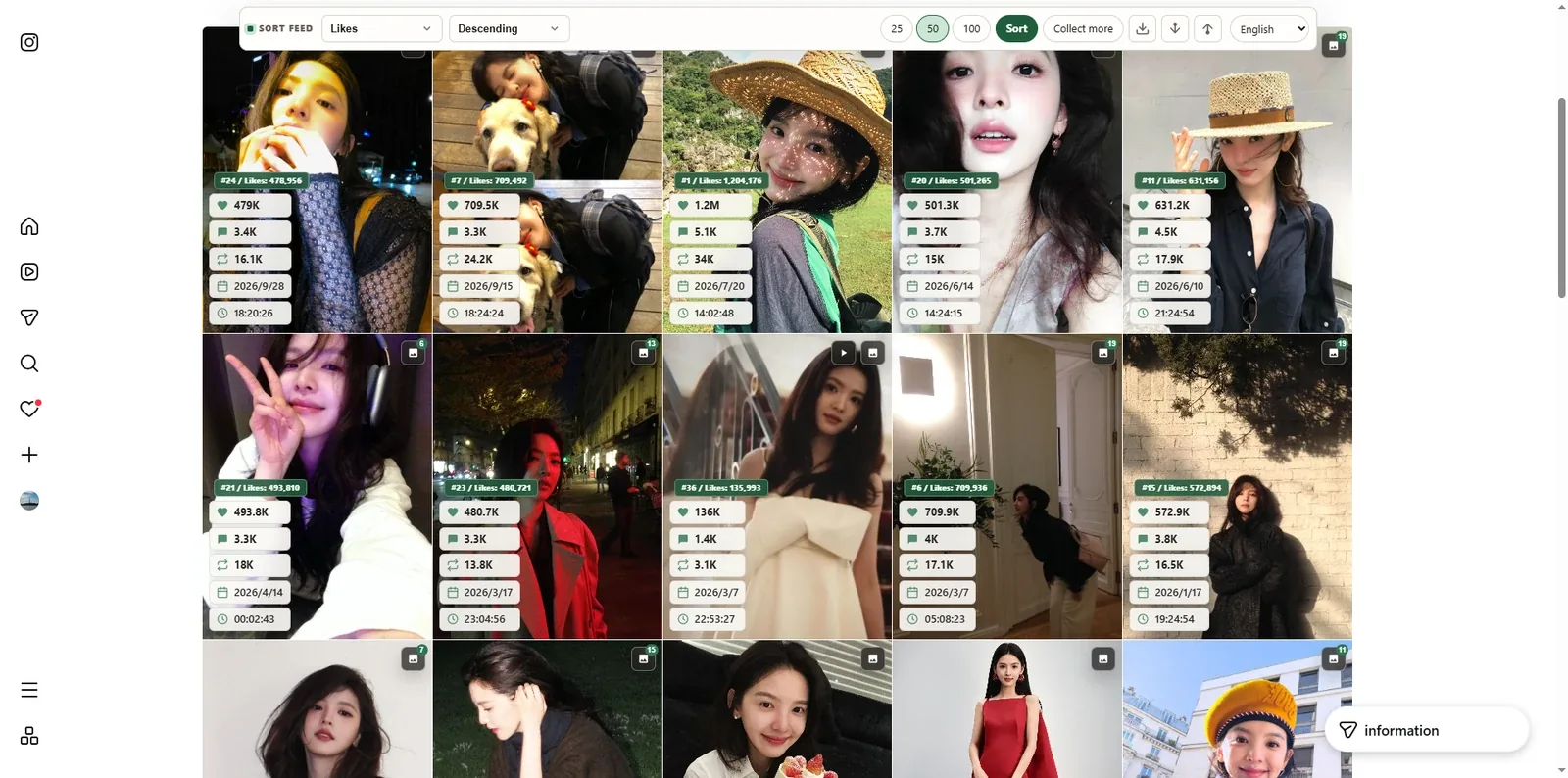
Sort first, then keep a snapshot
Related: Sort Feed · Instagram by likes · TikTok by views · Instagram guide.
Sort Feed reorders posts that are already loaded on Instagram or TikTok in desktop Chrome. Export turns that ranked view into a CSV you can open in Sheets or Excel — without pasting a profile URL into a third-party scraper site.
CSV reflects what you collected on this page. It is not a magic dump of an entire private account history.
Steps
- Install Sort Feed from the Chrome Web Store.
- Open a supported Instagram or TikTok page and scroll until the posts you care about are loaded.
- Open Sort Feed, choose a metric (views, likes, comments, date) and order, then run Sort.
- Use export / download controls to save CSV when the UI offers them.
- Optional: use Collect more if you need a larger sample before exporting.
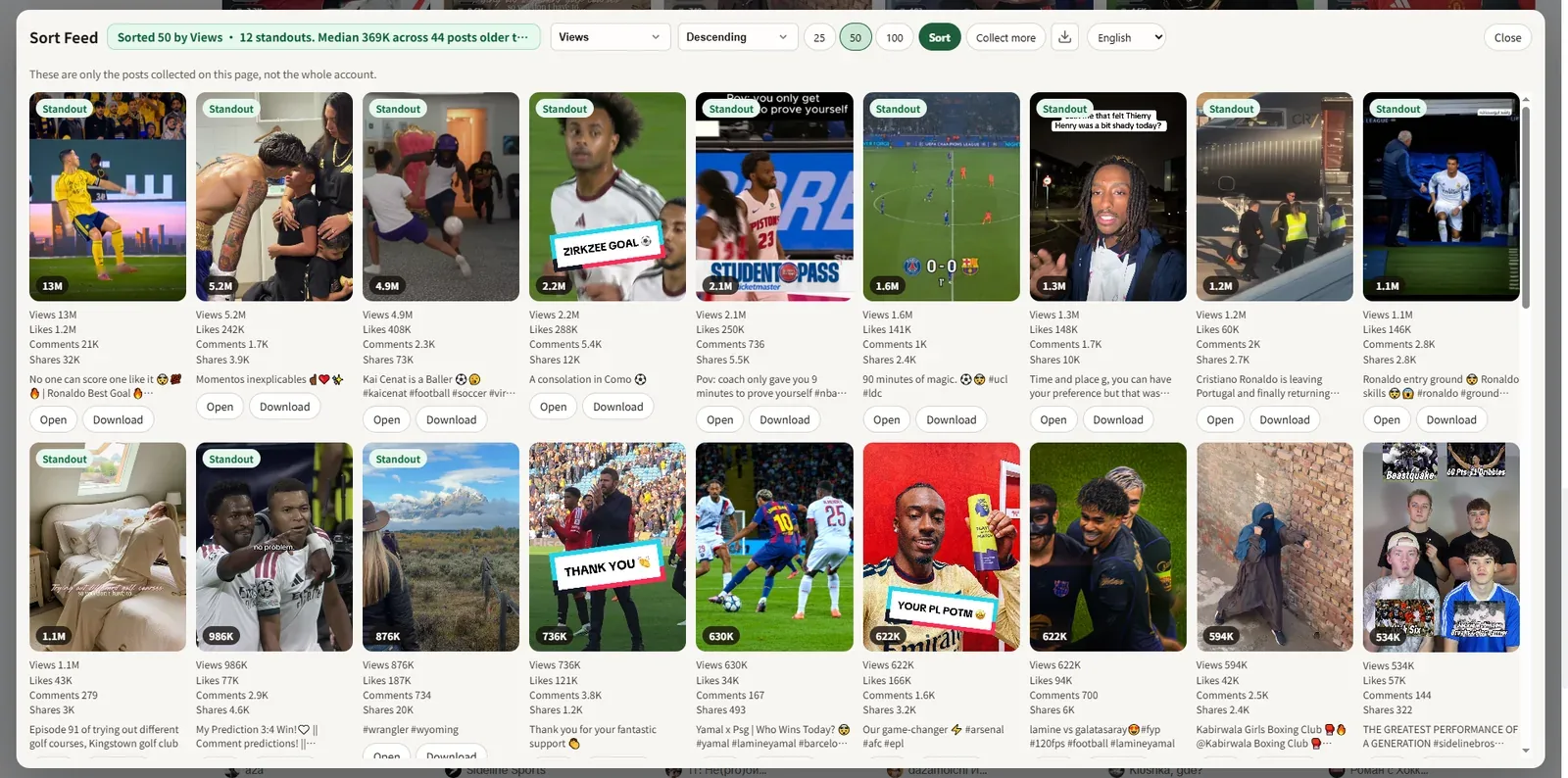
How to read the rows
- Rank — Position under your chosen metric (for example likes descending).
- Engagement fields — Likes, comments, shares/saves when the page exposes them.
- Timestamps — Useful for spotting seasonality, not for claiming “all-time best” unless you collected deeply.
Boundaries
Sorting and export run locally in your browser. Only study accounts you are allowed to analyze. Sort Feed does not bypass private profiles. Prefer real screenshots and metrics over invented charts.
FAQ
Why is my CSV shorter than the profile?
Because only loaded / collected posts are included. Scroll and collect more, then export again.
Does export upload the sheet to Lonkin?
No. The file saves through Chrome like any other download.
Open Sort Feed to install, or continue with the TikTok sorting and Instagram sorting guides.